View contact log change history
In PV, Contact Log serves as a repository of all communications, including the follow-up queries and case notes, within the same ICSR. With this functionality, you can have controlled and traceable communication between PV users, as well as between PV and EDC users involved in the ICSR management.
Every time you introduce any changes to follow-up queries or case notes, these changes are recorded by the system. Then you can view the list of all actions done with follow-up queries or case notes in a separate dialog.
-
In the PV application header, select the ICSR tab.
-
On the ICSR List page that opens, in the table, locate the ICSR of your interest. Then select its case number to open the details page in the new browser tab.
Alternatively, from the Actions column next to your ICSR, select Edit
 to open the
ICSR details in the same browser tab.
to open the
ICSR details in the same browser tab. Figure 1. Selecting to edit ICSR
-
On the ICSR report page, from the workspace toolbar, select Contact Log
 .
.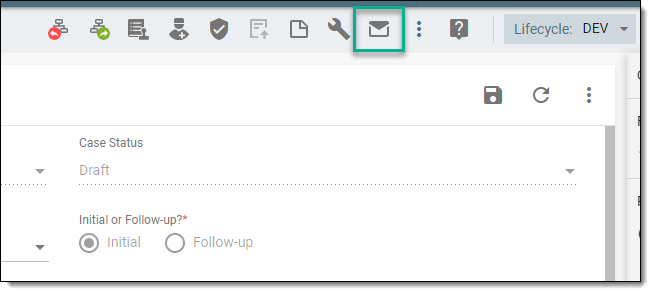 Figure 2. Opening contact log
-
From the workspace toolbar of the Contact Log table that appears, select Change History
 .
.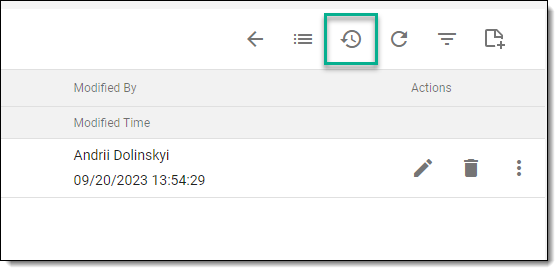 Figure 3. Selecting option to view contact log change history
-
In the Change History dialog that opens, view the complete history of changes made to every follow-up query or case note.
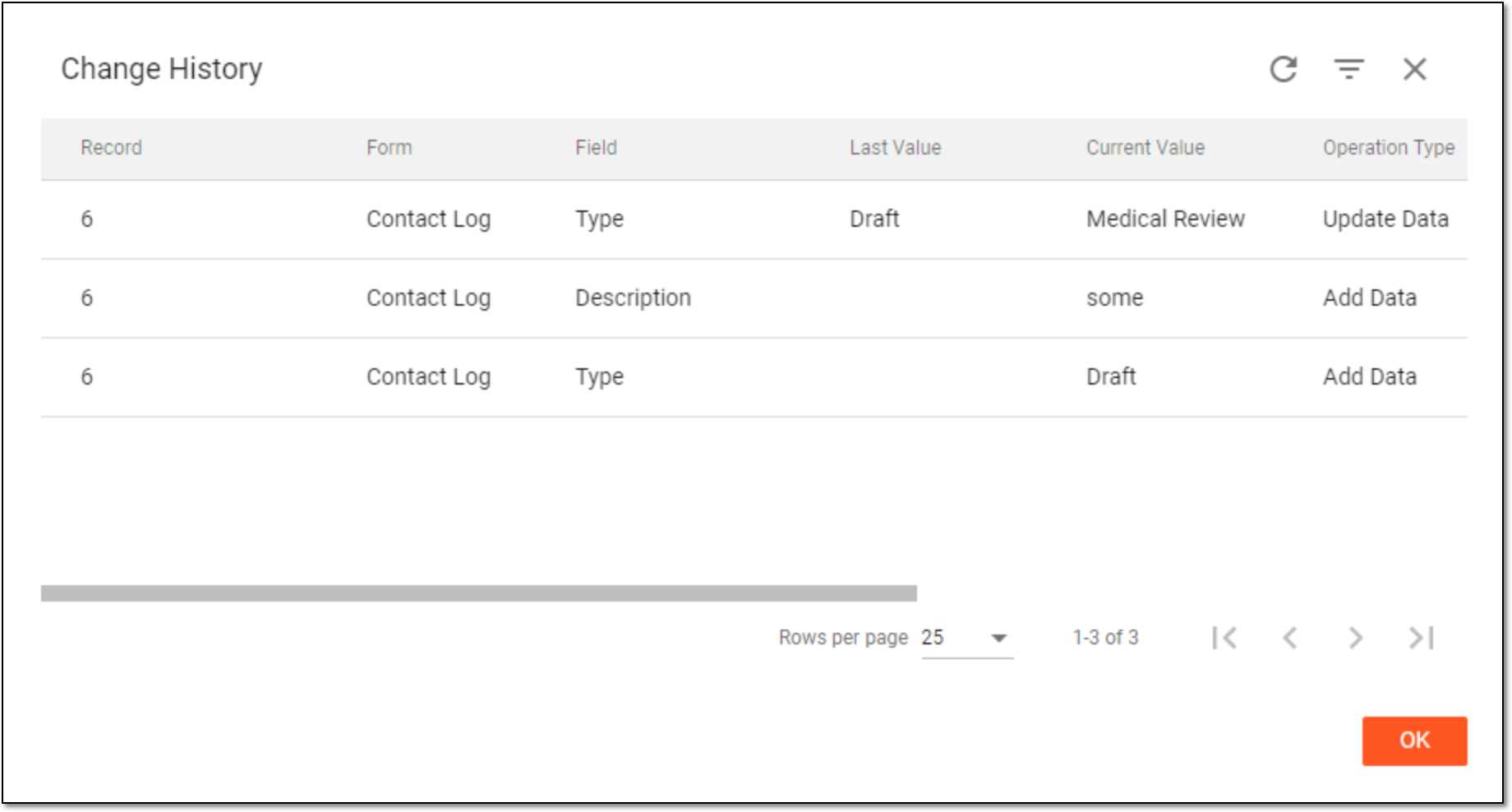 Figure 4. Viewing change history
After viewing the history of changes, select  to close the Change History dialog.