Delete subject unblind request alert
A subject unblind request refers to the process when authorized users request access to a subject's treatment assignment information, typically undertaken in situations where knowledge of the assigned treatment is deemed crucial for medical or ethical reasons. A subject unblind request alert is a customizable notification mechanism that generates an email to inform relevant parties about the most current unblind status of any study subject.
The purpose of a subject unblind request alert is to ensure the timely awareness of responsible IWRS users about the developments in the subject unblinding process within the study. However, it may occur that any of the configured subject unblind request alerts need to be deleted due to updates in unblinding procedures or other evolving study requirements.
-
In the IWRS application header, select the ALERT tab.
-
On the page that opens, from the left pane, select the subtab corresponding to the alert category of your interest.
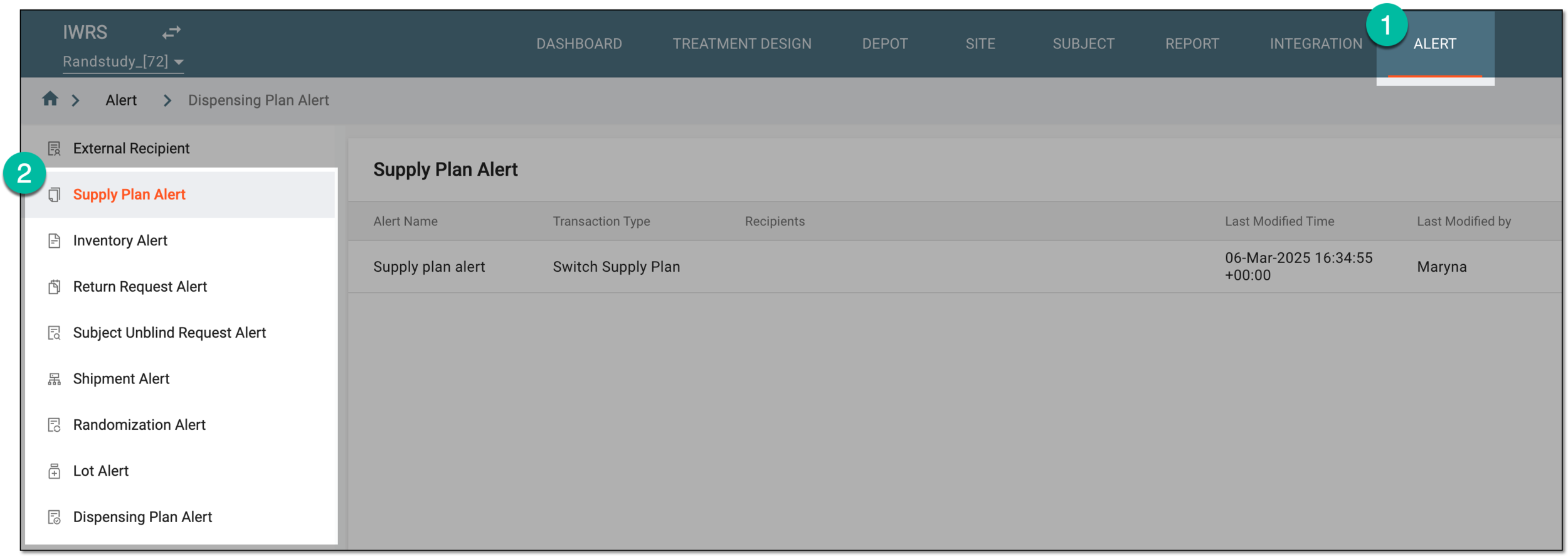 Figure 1. Accessing alert settings
-
In the Subject Unblind Request Alert table that appears, next to the needed subject unblind request alert, select More
 > Delete
  .
. Figure 2. Selecting option to delete subject unblind request alert
-
In the Delete Item confirmation dialog that appears, select
 .
.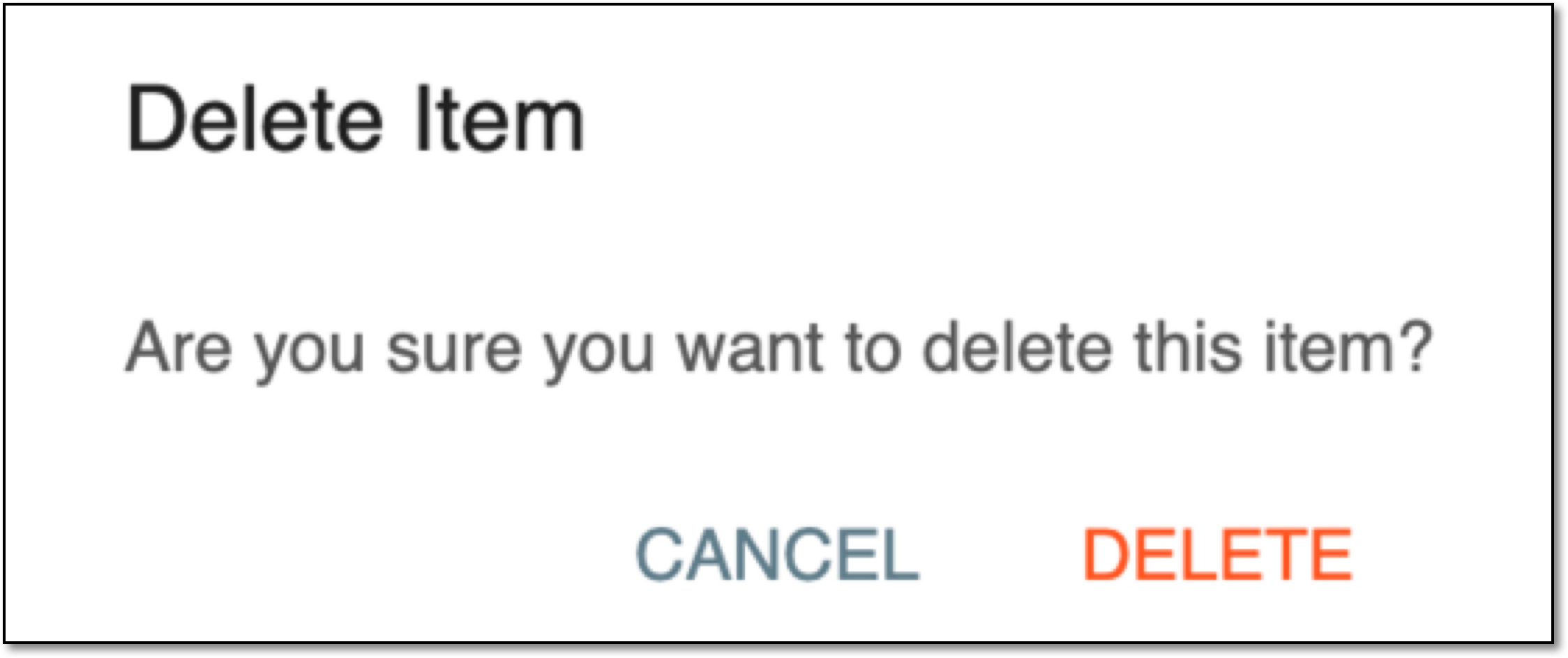 Figure 3. Confirming subject unblind request alert deletion
Once confirmed, the subject unblind request alert is deleted. The system now ceases generating emails associated with the deleted subject unblind request alert.