View product ingredient change history
In PV, once a new product is configured, the Ingredient block is populated with the ingredients configured for a product family to which the product belongs. Although, you might need to edit some details for the product ingredient, for instance, its strength.
Sometimes, there might be the need to view the structured information about all changes performed with the ingredient. For this purpose, you can use the Change History feature.
-
In the PV application header, select the PRODUCT tab.
-
On the page that opens, in the left pane, expand the product family within which your product resides.
-
From the expanded list, select the product for which you want to view the ingredient change history.
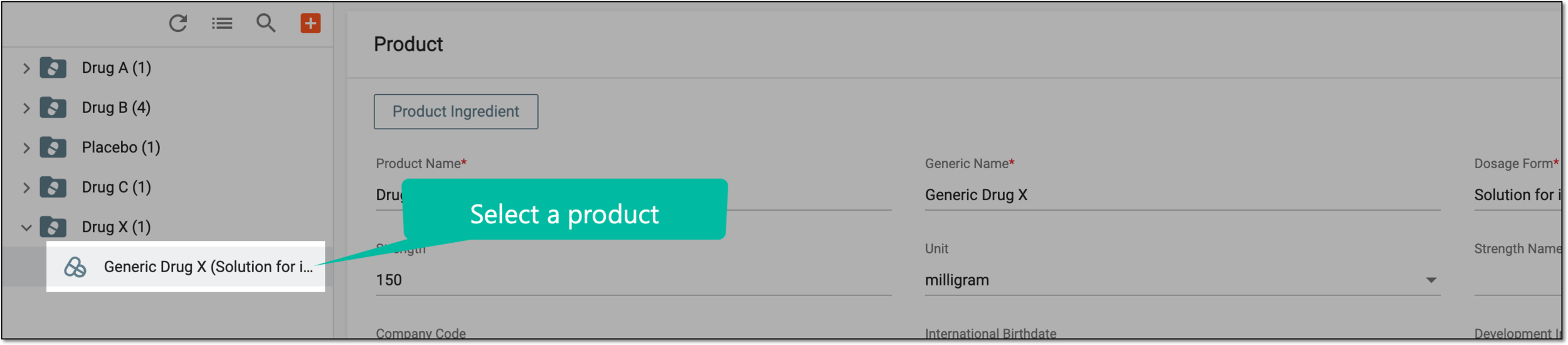 Figure 1. Selecting product
-
On the Product form page that opens, go to the Product Ingredient block and in the table, next to the ingredient of your interest, select More
 > Change History
  .
. Figure 2. Selecting to view product ingredient change history
-
In the Change History dialog that opens, view structured information about all changes performed with the product ingredient. You can see who and when made the change, the action type, and so on.
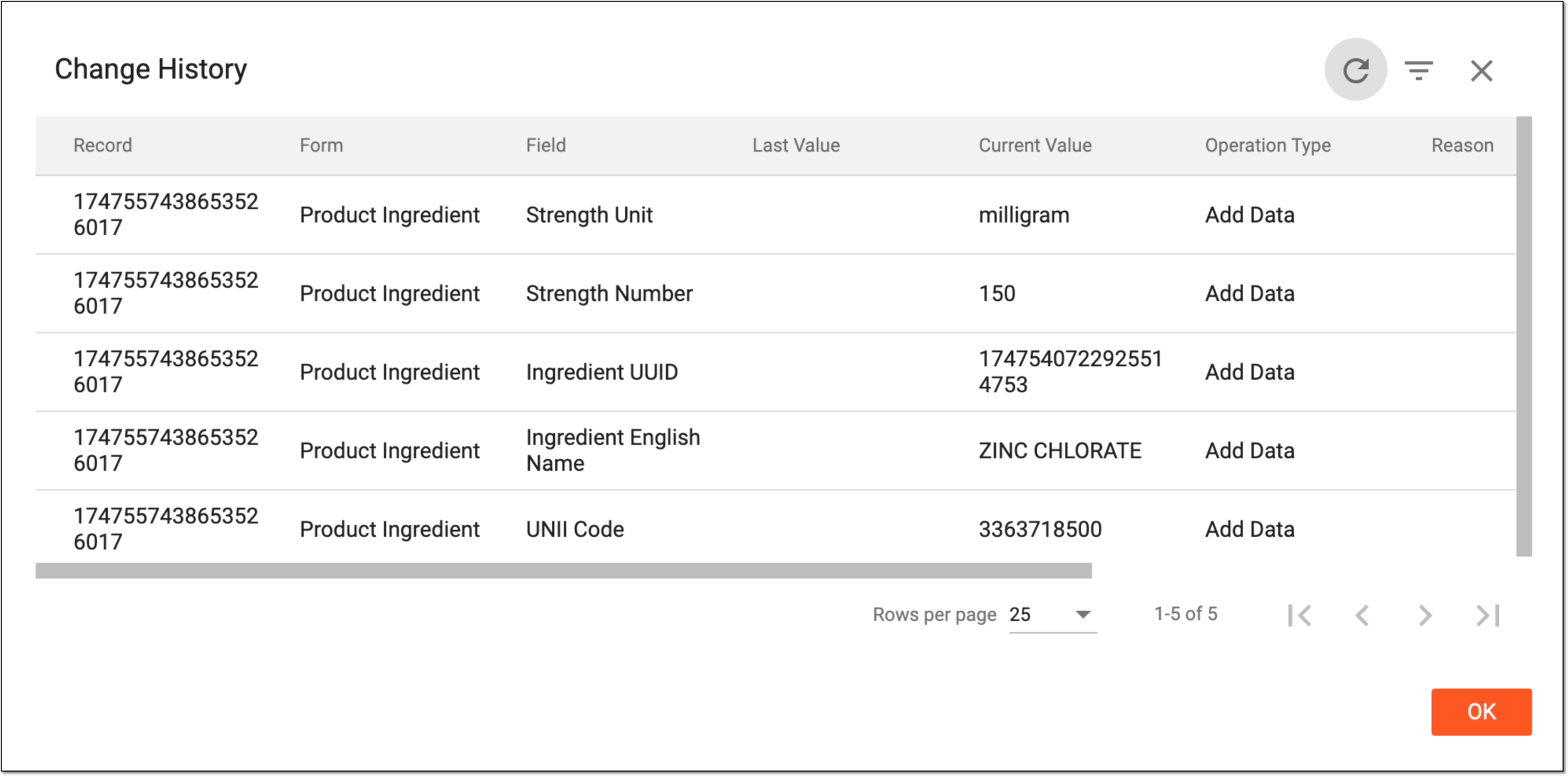 Figure 3. Viewing ingredient change history
-
Select
 to close the dialog.
You have successfully viewed the change history for your product ingredient.