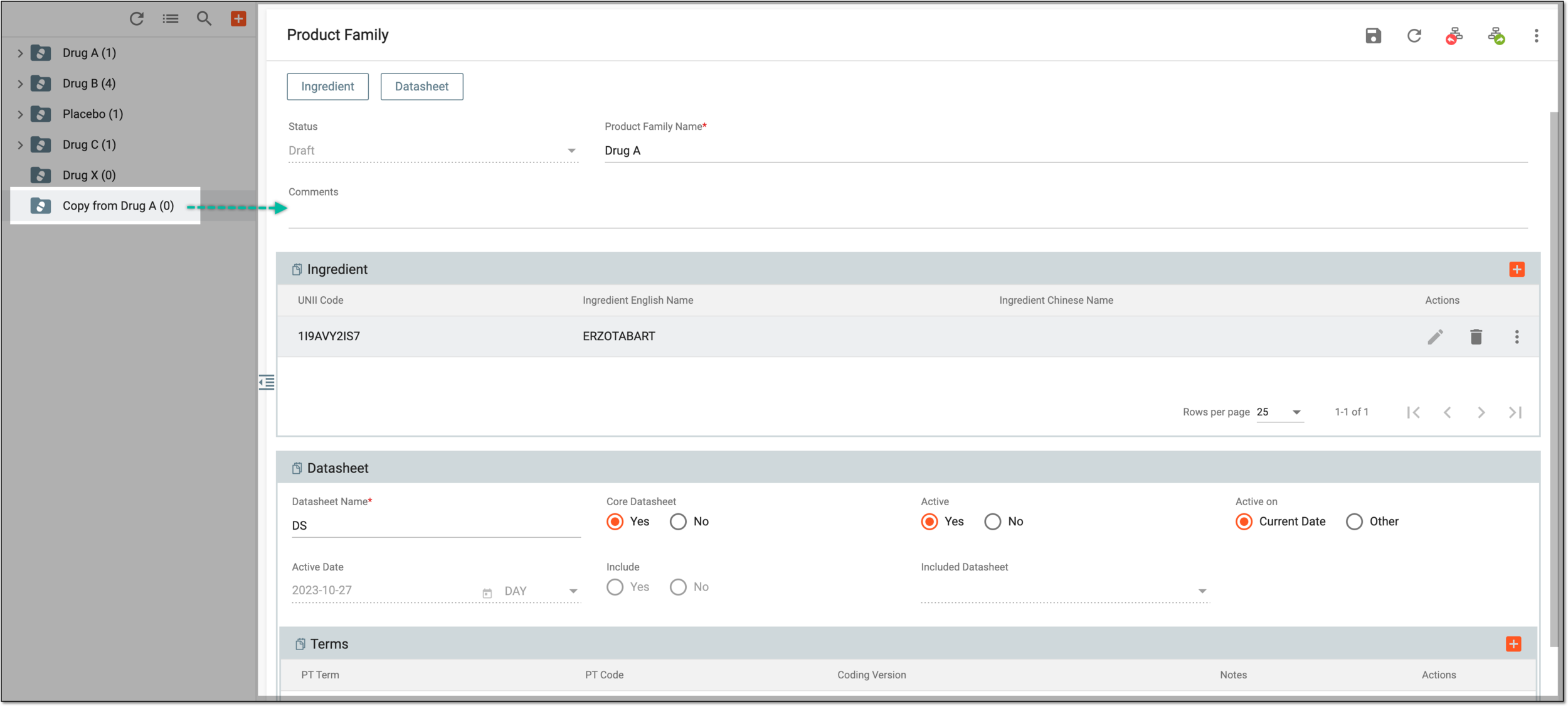
Copy product family from existing
In PV, every company product should belong to a product family which is a group of products that share the same key ingredient and data sheets but can have a different concentration for the active ingredient.
Sometimes, you might need to create a new product family that is similar to the one that already exists in the system and you can do so via the Copy option. You can also choose to copy the product family with or without the data sheets within.
-
In the PV application header, select the PRODUCT tab.
-
On the page that opens, in the left pane, right-click the product family that you need to copy.
-
From the expanded menu, select one of the following options:
-
Copy: select this option to copy all the product family configurations information and details except for the data sheet(s).
-
Copy with DataSheet: select this option to copy all the product family configurations information and details including the data sheet(s).
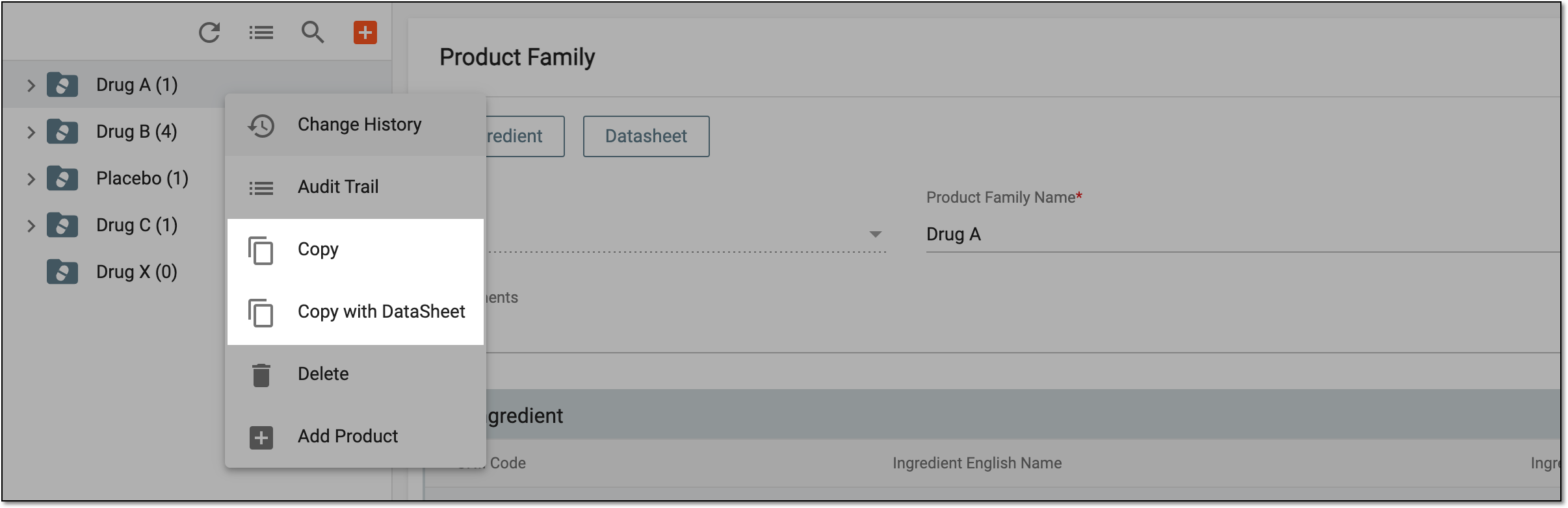 Figure 1. Selecting product family copying options
-
-
In the confirmation dialog that appears, select
 to copy the product family.
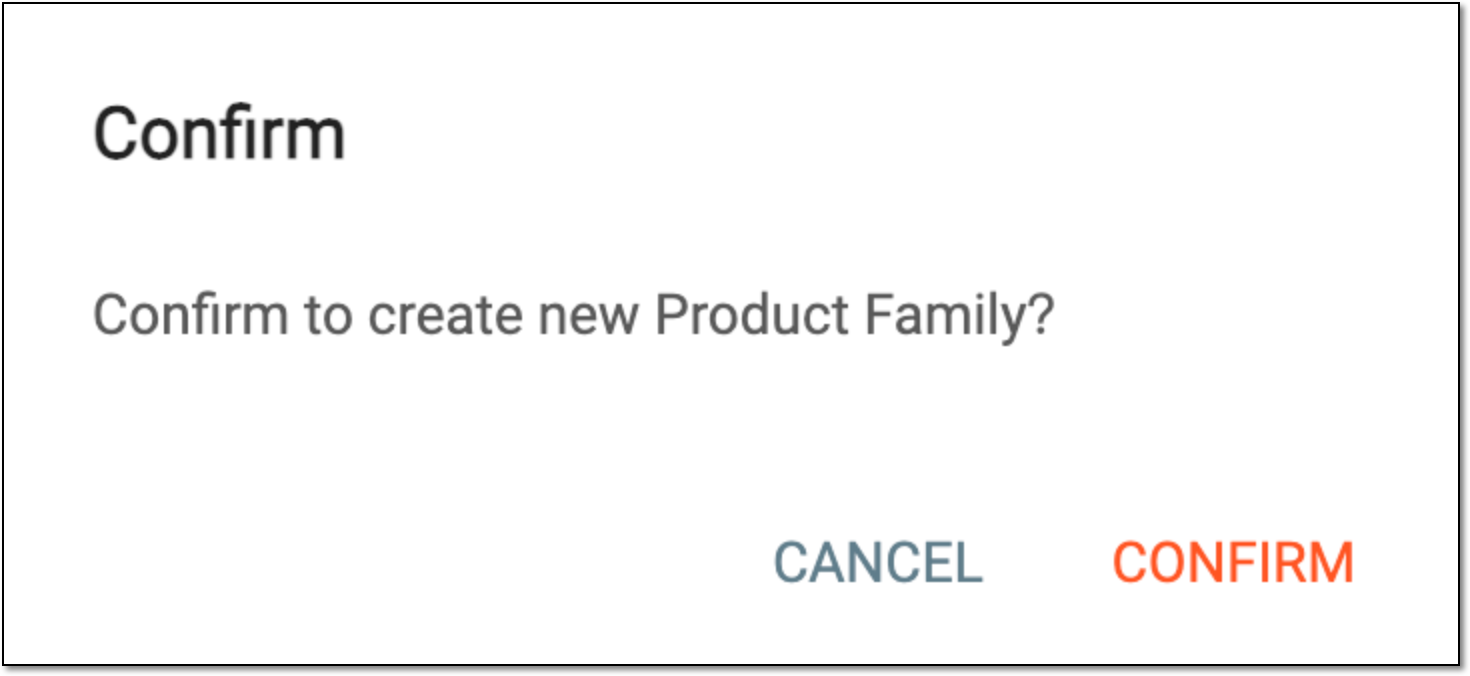 Figure 2. Confirming to copy product family
Once confirmed, the product family copy is created and you can now configure its details as per your needs.