Export pricing template list
A pricing template is a reusable instance that outlines the services and occurrences entitled to financial compensation, billing methods, and other details. Preconfiguring pricing templates simplifies contract design since you do not have to set up pricing details from scratch for every vendor.
The complete list of pricing templates available in the CTMS system can be extracted as the Excel file to your computer for sharing with stakeholders or other business purposes.
-
Access the study management page in one of the following ways:
-
In the CTMS application header, select the DASHBOARD tab and then select the study dashboard of your interest.
 Figure 1. Accessing study management from dashboard
-
In the CTMS application header, select the STUDY MANAGEMENT tab. Then from the Study Data List table, select the study name of your interest.
 Figure 2. Accessing study management from study data list
-
-
On the page that opens, in the left pane, select Financial Management > Pricing Template.
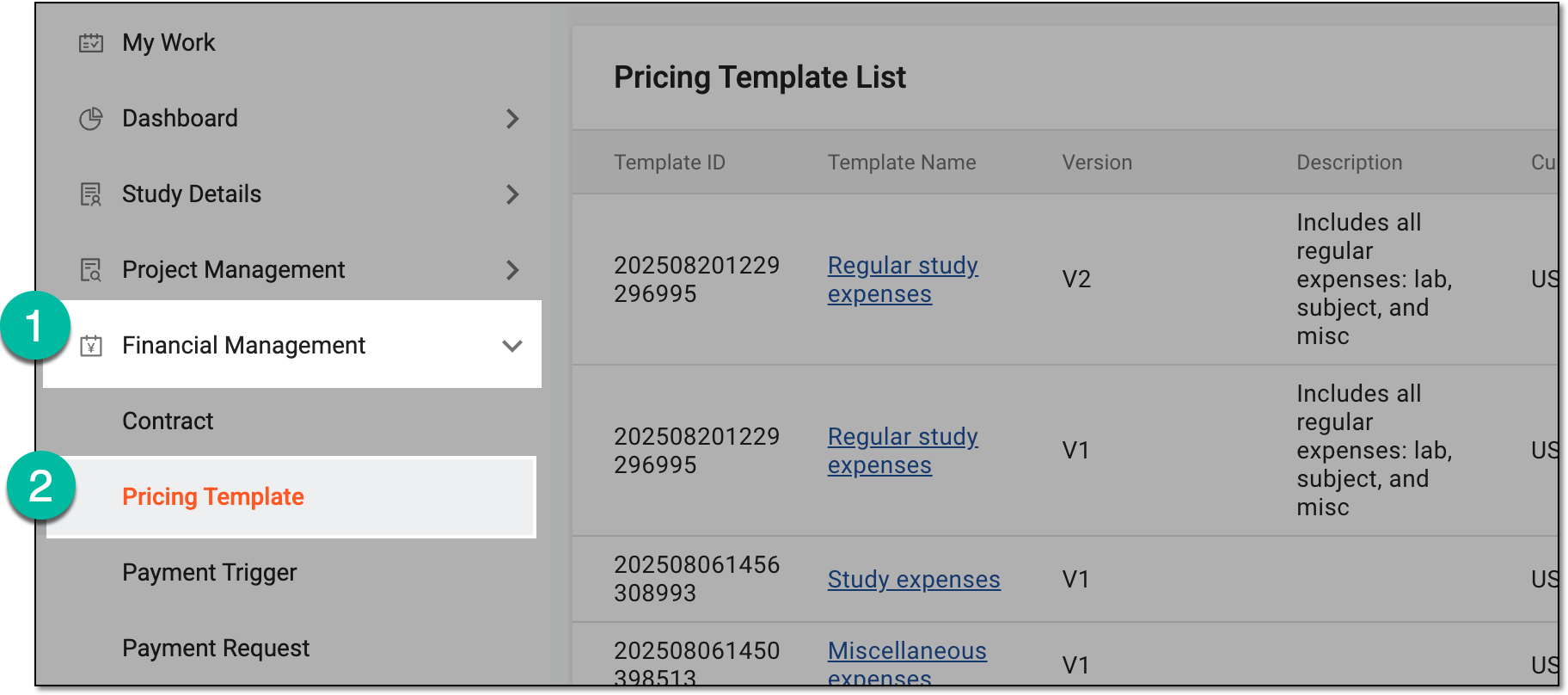 Figure 3. Accessing pricing templates
-
On the Pricing Template List page that opens, from the workspace toolbar, select Export
 and then the Export Pricing Template Data List option.
 Figure 4. Selecting option to export pricing template list
-
In the downloads widget that appears, view your download progress. Select the widget to open the My Downloads dialog.
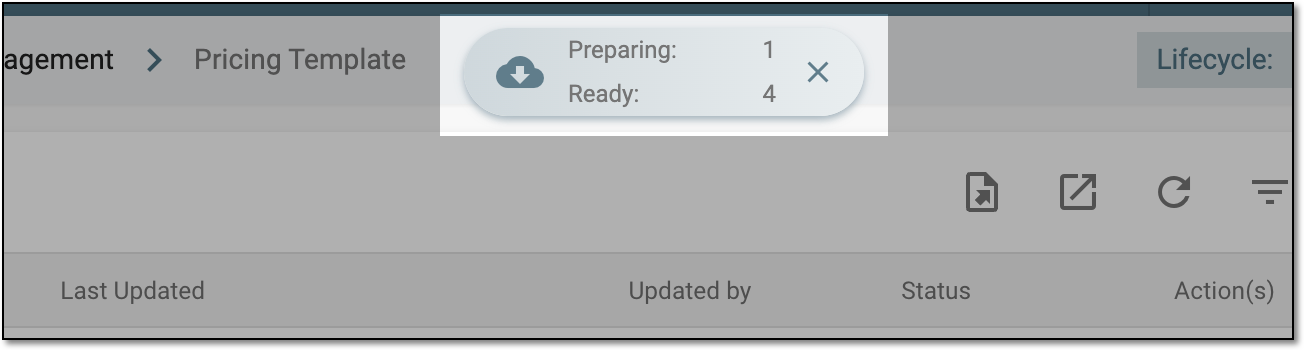 Figure 5. Downloads widget for pricing template list
-
In the My Downloads dialog that opens, you can find the following tabs:
-
Preparing: lists all the files whose export is in progress, and they are not yet ready for download. Wait until the needed file moves to the Download is Ready tab.
-
Download is Ready: lists the files whose export is complete, and they can be downloaded to your computer by selecting
 .
.
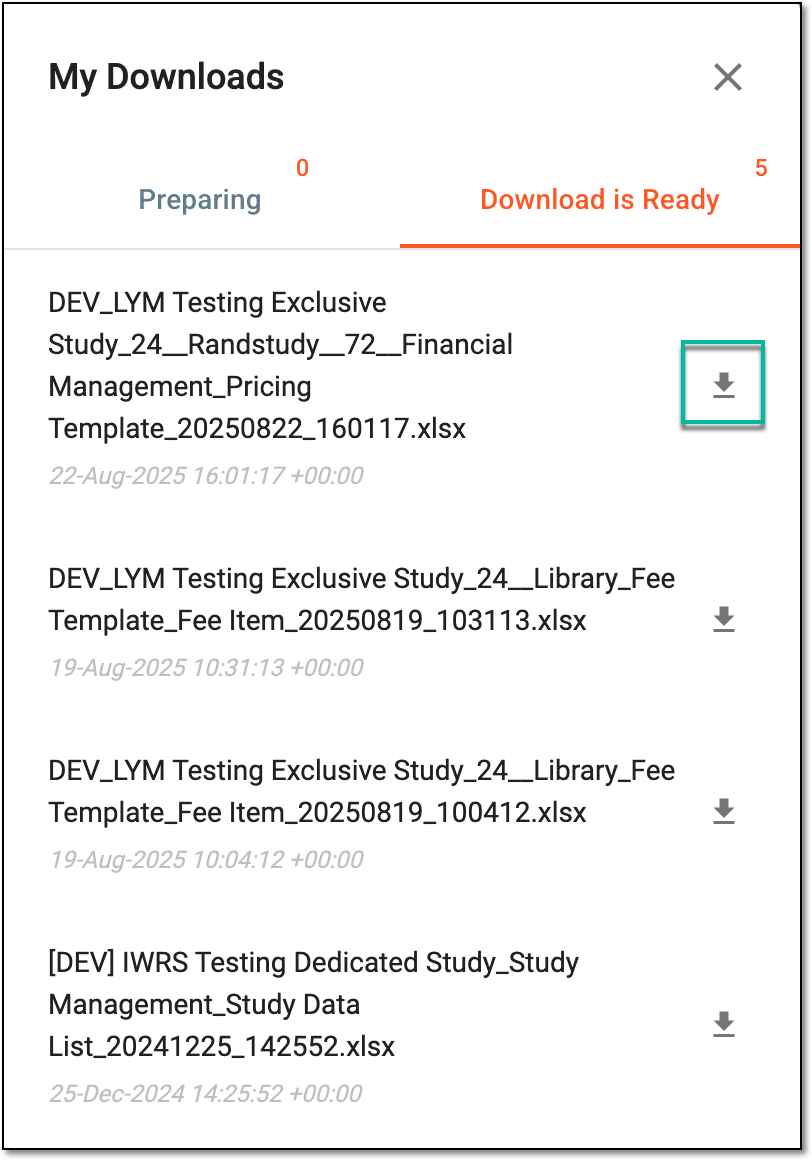 Figure 6. Downloading extracted pricing template data
-
Once downloaded and saved, the pricing template list in the XLSX format becomes available on your computer.
Tip
The extracted file version is saved in the system and can be accessed from Export History  .
.
