Import ICF tracking log template
ICF tracking log is a document used to track the distribution, collection, and status of Informed Consent Forms (ICFs) from participants in the trial. It is a management tool that ensures proper documentation and completion of all steps related to informed consent throughout the trial process.
In CTMS, you can create a library of ICF tracking log templates that can be reused throughout your studies. This section concentrates on how to create such a template by importing a preconfigured file from your computer.
The feature becomes handy when, for instance, a clinical research associate (CRA) creates a template in the UAT lifecycle to test and validate it. Then the validated template can be exported from UAT and imported to PROD.
-
In the CTMS application header, select the LIBRARY tab.
-
On the page that opens, from the left pane, select ICF Tracking Log Template.
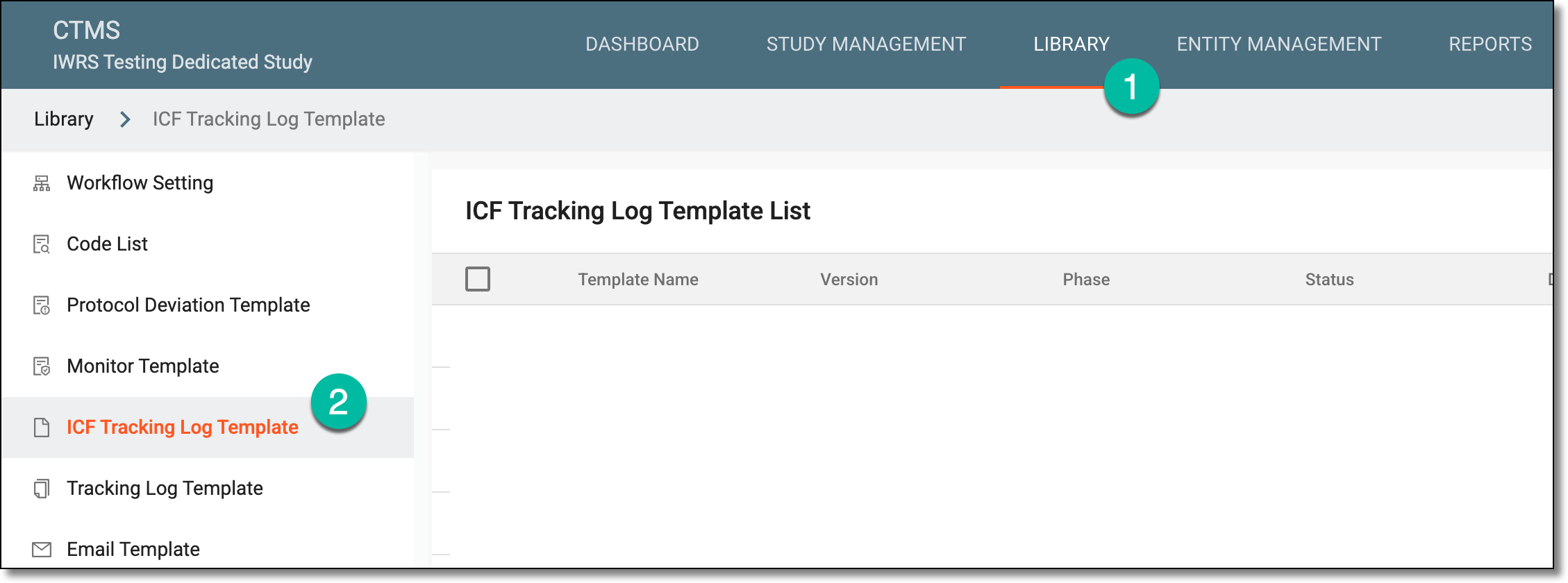 Figure 1. Accessing ICF tracking log template subtab
-
On the ICF Tracking Log Template List page that opens, from the workspace toolbar, select Import
 .
. Figure 2. Importing ICF tracking log template file
-
On your computer, locate and select the file in the .config format that you want to import to the system as an ICF tracking log template.
Once the file is imported, you can find it in the ICF Tracking Log Template List table with the import detail added to the template name.
