Favorites
The Favorites option of the Quick panel helps you to quickly access a list of pages that have been saved earlier while working in eTMF. Select the hyperlink from the list to quickly access the required page.
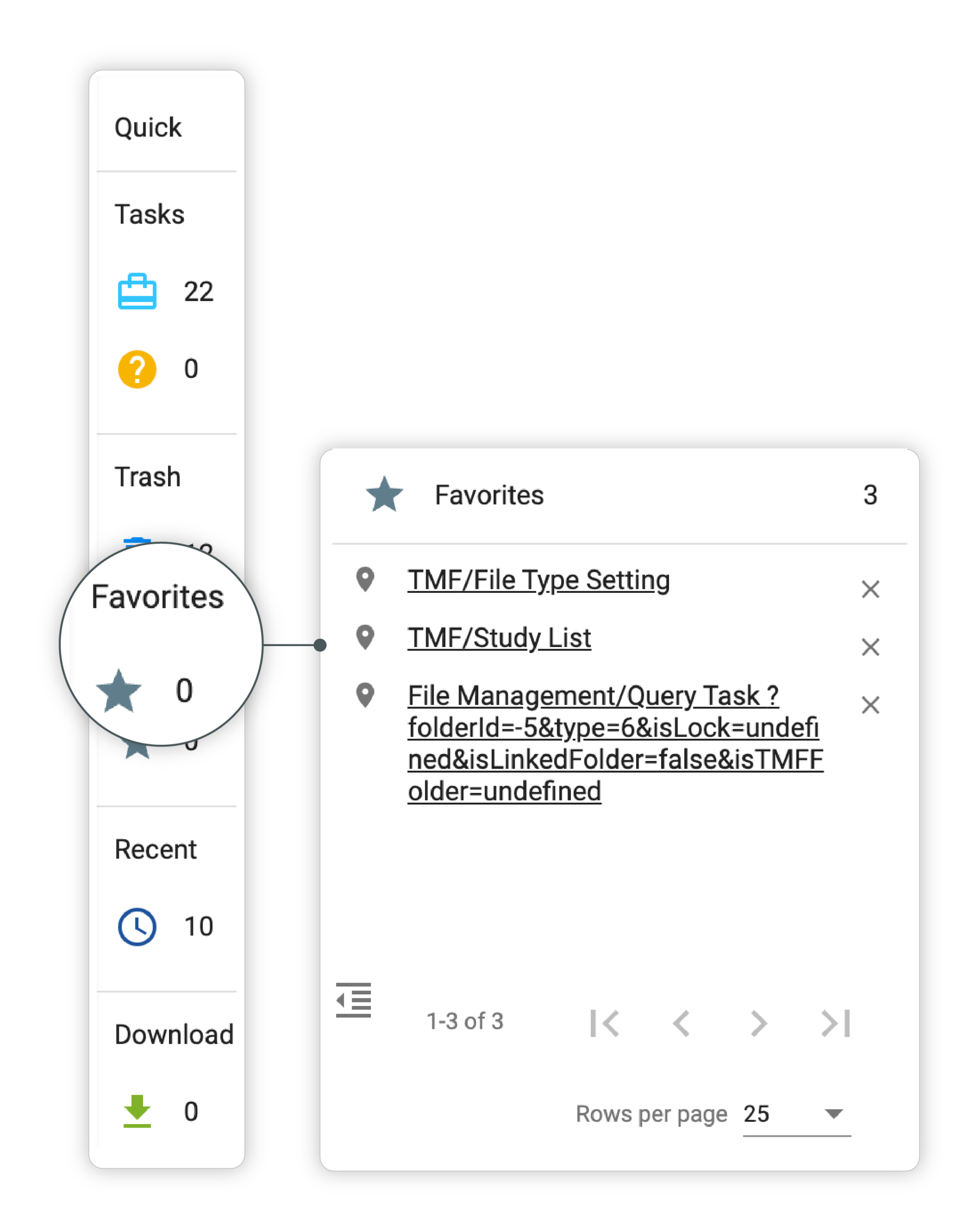 |
Figure 1. Favorites option
Tip
In the application header, select Favorites  to add a currently opened page to favorites.
To collapse the Favorites panel, select  .
.