Delete label package
You can delete label packages or individual labels within the packages. This helps you remove the ones that are no longer needed. However, you cannot delete a label package if it has ever been added to a lot. Then, a similar error message is displayed upon trying to delete the label package.
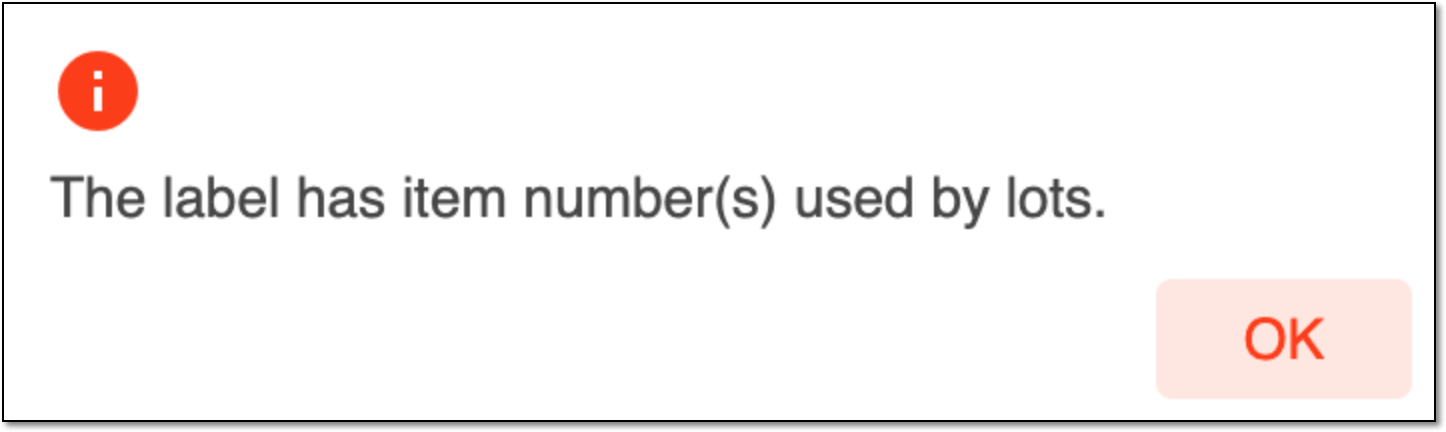 |
Figure 1. Viewing error message
To delete a label package
-
In the IWRS application header, select the TREATMENT DESIGN tab.
-
In the left pane, select the Label subtab.
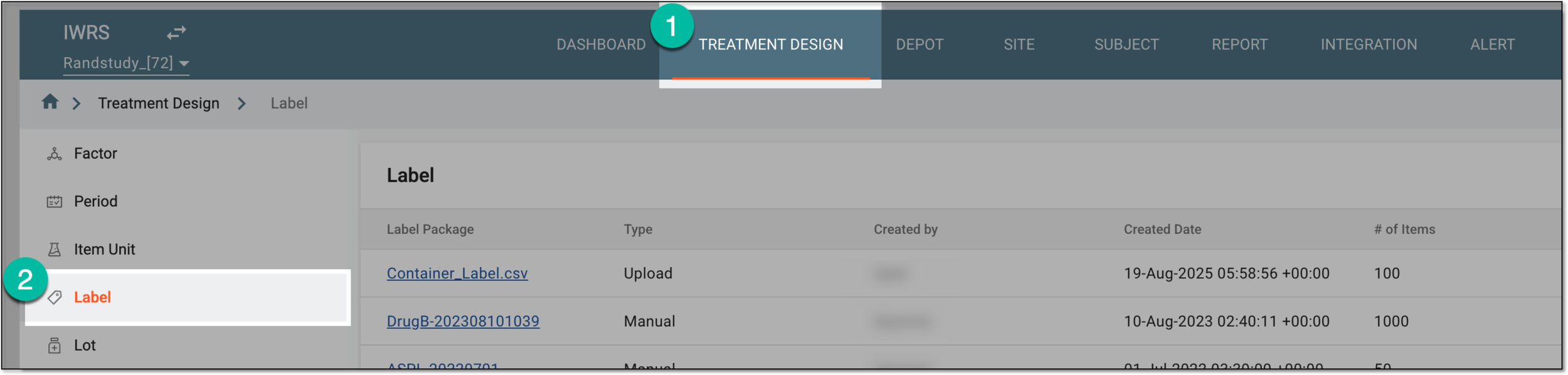 Figure 2. Accessing label list
-
In the Label table that appears, go to the label package of your interest, and proceed as follows.
-
In the confirmation dialog that appears, select
 to proceed with the deletion.
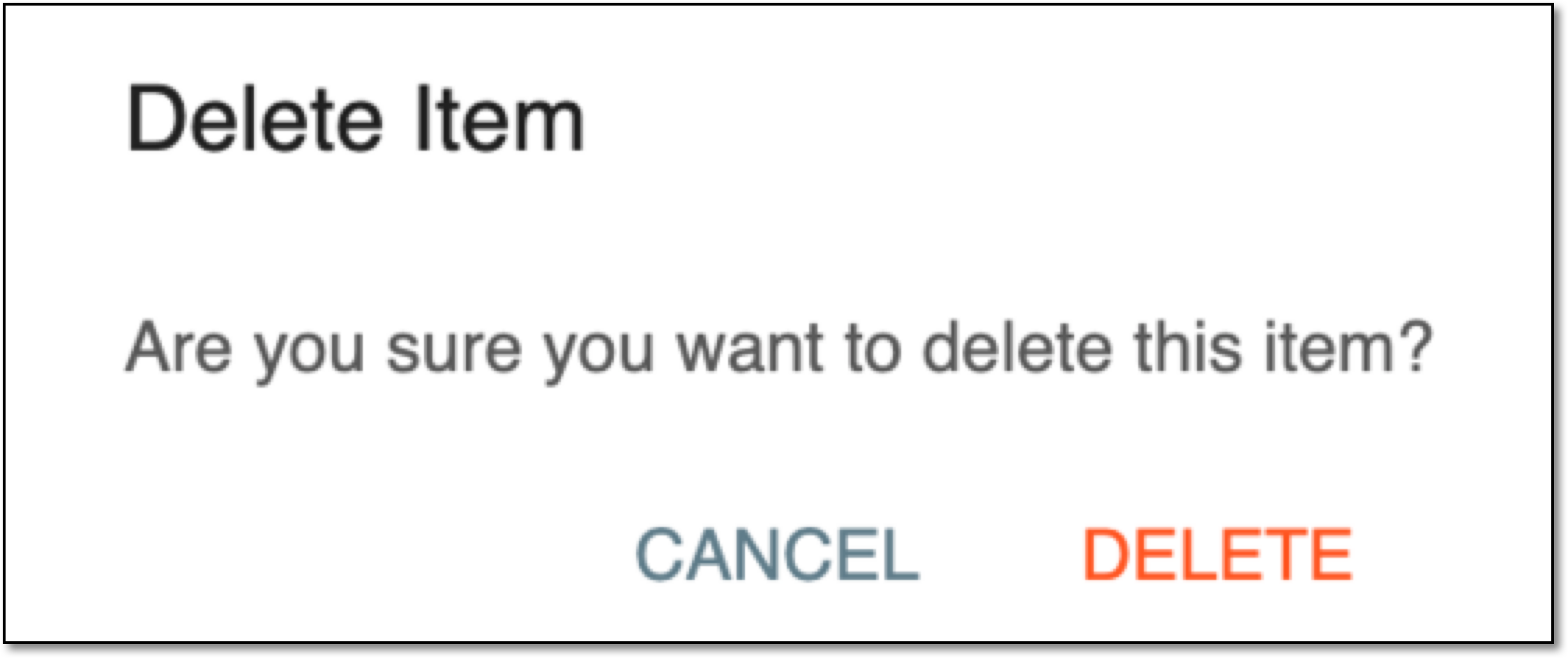 Figure 5. Deleting label package



Once confirmed, your label package or a single label has now been deleted.